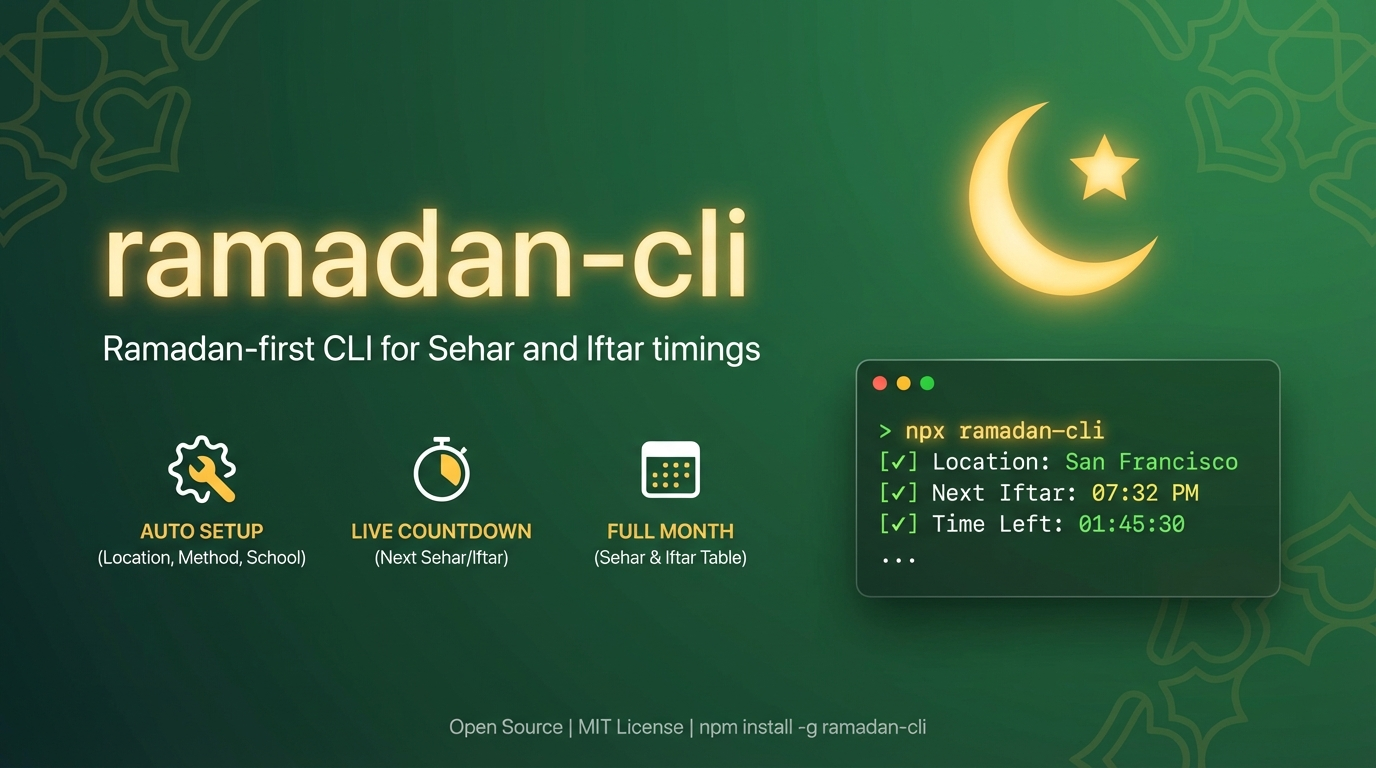
Ramadan CLI
A Ramadan-focused command-line tool that brings Sehar and Iftar timings directly to your terminal. Built for developers, agents, and anyone who wants quick access to prayer times during Ramadan.Quick Start
Get up and running in 30 seconds
Installation
Install with npm, yarn, pnpm, or bun
CLI Reference
Complete command documentation
Configuration
Customize your settings
Why Ramadan CLI?
Ramadan CLI is designed to make checking Sehar and Iftar times effortless, with smart defaults and powerful features.Ramadan-First Design
Ramadan-First Design
Unlike general prayer time apps, Ramadan CLI focuses exclusively on what matters during Ramadan: Sehar (Fajr) and Iftar (Maghrib) times. Clean, focused output without extra noise.
Automatic Location Detection
Automatic Location Detection
No manual setup required. The CLI automatically detects your location using IP-based geolocation with multiple fallback providers for reliability.
Smart Country-Based Recommendations
Smart Country-Based Recommendations
Automatically recommends the most appropriate calculation method and Asr school based on your country. For example, users in Pakistan get the Karachi method, while North American users get ISNA.
Real-Time Countdowns
Real-Time Countdowns
See exactly how much time until your next Sehar or Iftar, with automatic timezone detection for accurate countdowns wherever you are.
Flexible Output Modes
Flexible Output Modes
Whether you need today’s times, the entire month, a specific day, or a single-line status for your status bar, Ramadan CLI has you covered.
Agent-Friendly
Agent-Friendly
Built for both humans and AI agents with JSON output mode, status bar integration, and programmatic configuration options.
Key Features
Auto Setup
Interactive first-run setup detects location, timezone, and recommends optimal settings
Multiple Aliases
Use
roza, ramadan, ramzan, ramazan, or ramadan-cliView Full Month
See all 30 days of Ramadan with the
--all flagSpecific Days
Check any roza (1-30) with the
--number flagStatus Bar Mode
Single-line output for status bars and coding agents with
--statusCustom Dates
Override Ramadan start date with
--first-roza-dateJSON Output
Machine-readable output with
--json flagMultiple Cities
Check times for any city:
ramadan-cli "San Francisco"Easy Reset
Clear all config with
ramadan-cli resetQuick Example
Sehar = Fajr and Iftar = Maghrib. Times are displayed in 12-hour format (AM/PM).
What You’ll Get
When you run Ramadan CLI, you’ll see:- Current status: Whether it’s Sehar time, fasting hours, or Iftar time
- Next event: What’s coming next (Sehar or Iftar)
- Countdown: Exact time remaining until the next event
- Prayer times: Sehar and Iftar times in an easy-to-read table
- Hijri dates: Islamic calendar dates alongside Gregorian dates
Built For
Developers
Terminal-first workflow with powerful CLI flags and JSON output
Muslims Worldwide
Works anywhere with automatic location and timezone detection
Status Bar Users
Single-line mode perfect for tmux, i3bar, or any status bar
AI Agents
Structured output and programmatic configuration for automation
Next Steps
1
Install
Choose your preferred package manager and install Ramadan CLI globally or run with npxGo to Installation →
2
Quick Start
Run your first command and complete the interactive setupGo to Quick Start →
3
Explore
Learn about all available commands and configuration optionsGo to CLI Reference →